
Learn AI
Start understanding and using AI today — free guides, practical tool walkthroughs, and a clear path forward.
You do not need a technical background to learn AI. Start here with free, beginner-friendly lessons, get to know the main tools, and follow a simple path from curious to confident — at your own pace.
Your Path From Curious to Confident
Learning AI is more like learning to use a new tool than learning computer programming. Here is the simple path this page follows.
Step 1: Start With the Free Lessons
Work through the short starter lessons below. Each one takes a few minutes and gives you something practical to try today.
Step 2: Explore the Tools
Get to know the main AI tools — what each one is good at and which one to try first.
Step 3: Go Deeper When You Are Ready
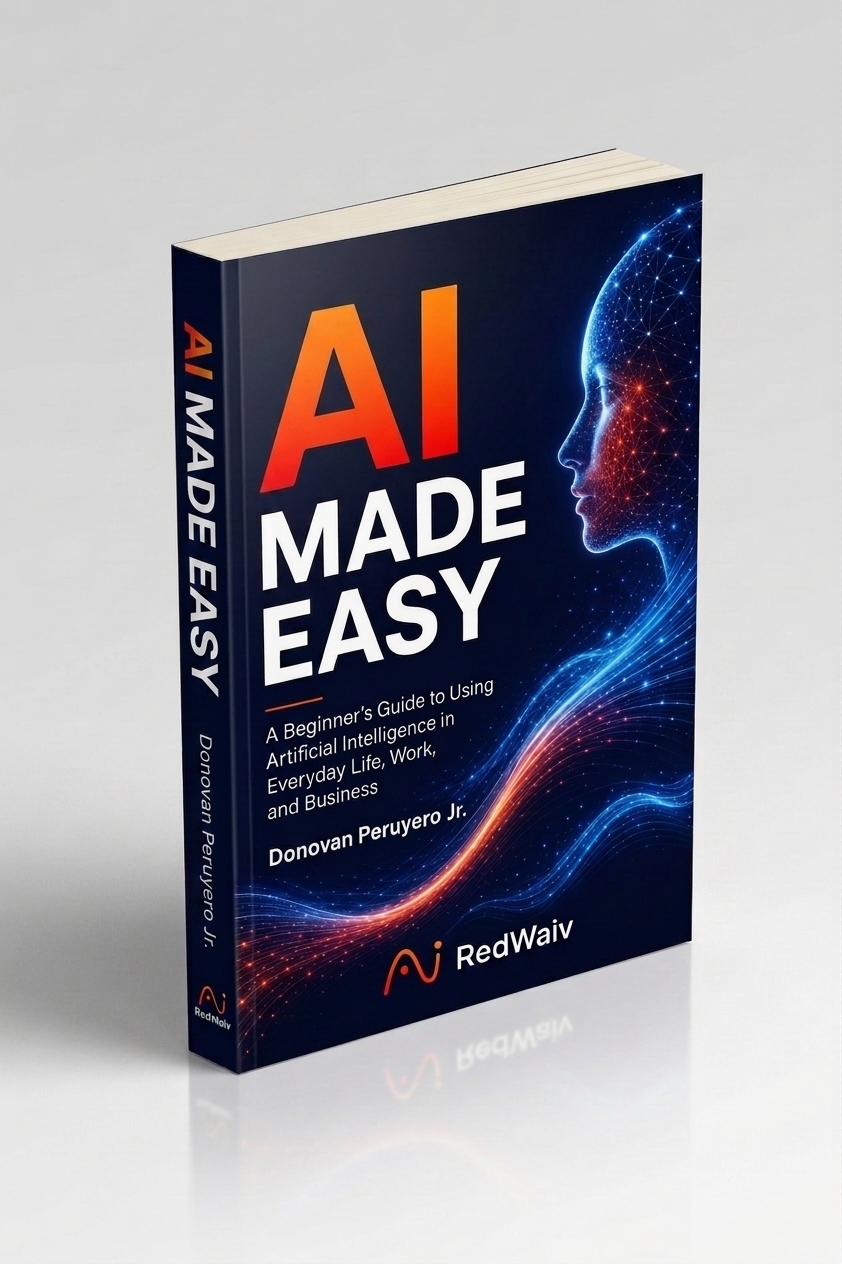
Want the complete step-by-step system in one place? That is exactly what the AI Made Easy book is for. Or get personal help through coaching.
Four Free Lessons to Get You Going
Each lesson takes a few minutes. Read it, try the one action step, and move on when you are ready. These lessons live right here on this page — no signup needed.
Lesson 1: What AI Actually Is (in Plain English)
Artificial intelligence is software trained to recognize patterns and generate responses — writing, answers, ideas, summaries — based on what you ask it. Think of it as a very knowledgeable assistant that does exactly what you tell it, nothing more.
Try today: Ask ChatGPT or Gemini, "Explain what you are and what you can help me with, as if I have never used AI before."
Lesson 2: Your First Good Prompt
AI gives better answers when you give better instructions. A good prompt says what you want, who it is for, and what format you want it in. Example: instead of "write about dogs," try "Write a friendly 3-sentence paragraph about why dogs make good pets, for a 10-year-old."
Try today: Take one question you have and rewrite it with the what, who, and format included. Compare the answers.
Lesson 3: Three Everyday Wins for This Week
You do not need a big project to start. This week, let AI: (1) draft a difficult email or message, (2) turn a messy list of thoughts into an organized plan, (3) explain something you have always wondered about in simple terms.
Try today: Pick the easiest of the three and do it right now. Five minutes is enough.
Lesson 4: The 5-Minute Safety Check
Before you go further, lock in four habits: check important information instead of trusting it blindly, never share private or sensitive details, review anything AI writes before you send or publish it, and keep your own judgment in charge.
Try today: The AI Made Easy book covers the full safety framework with real examples.
The Tools You Will Hear About Most
You do not need all of them. Start with one general-purpose assistant, learn how to talk to it, and add more only when you have a reason to.
ChatGPT
The most popular all-around AI assistant — good for writing, questions, brainstorming, and everyday tasks.
Gemini
Google's AI assistant — handy for research and anything connected to Google's apps and services.
Claude
Strong for longer writing, documents, and detailed analysis.
NotebookLM
Learn from your own documents — upload sources and get summaries, answers, and study help.
Perplexity
Ask questions and get answers with source links, so you can see where the information came from.
Four Safety Habits That Matter Most
AI is powerful, but you are still in control. These four habits will keep you safe from day one.
Check Important Information
AI can be wrong or out of date. Verify anything that matters.
Protect Private Information
Do not share sensitive, personal, or confidential details with AI tools.
Review Before You Send
Always review AI-written content before publishing, sending, or using it professionally.
Keep Your Judgment in Charge
Use AI to support your thinking, not replace it.
The AI Made Easy book teaches the complete safety framework with real-world examples.
Want It All in One Place?
The free lessons above get you started. AI Made Easy puts the entire beginner journey — understanding AI, prompting, everyday and business uses, safety, and confidence — into one clear, step-by-step guide you can work through at your own pace.
Want Someone to Walk You Through It?
Sometimes the fastest way to learn AI is having someone show you exactly how to use it for what you are trying to accomplish — your business, your projects, your workflow.
Learn AI FAQs
Is Learn AI free?
Yes. Everything on this page is free — the starter lessons, the tool overviews, and the safety habits. No signup needed.
How is this different from the AI Made Easy book?
This page gives you free starting points. The book gives you the complete step-by-step system in one place — deeper lessons, real examples, and the full safety framework — so you can build real confidence instead of piecing things together.
Where should I actually start?
Start with the four free lessons above, in order. Then explore the tools. When you want the full structured path, that is what the book is for.
Do I need any experience or technical skills?
No. Everything here assumes you are starting from zero.
Which AI tool should I try first?
Pick one general assistant — ChatGPT, Gemini, or Claude — and learn to talk to it well before adding more. The full breakdown lives on our AI Tools page.